
Keychain
Name, logo or icon; ring hole added automatically. Prints in multiple colors.


A logo, a name or a photo. Heppio 3D Studio separates the colors, sizes it to the millimeter and fixes details too thin to print before you print. You just open it in your slicer and hit print.
PNG, JPG, SVG or just a name. Add icons, QR codes and shapes and arrange them in the editor.
Keychain, sign, magnet, coaster… Enter the size in mm; bed and color checks match your printer.
The file is made for your slicer: each color a separate part, filament numbers assigned.



Too-thin areasLines your nozzle can't print show in red; thicken them automatically if you like.
Narrow gapsGaps that would close up show in orange; a larger size is suggested.
Everything below was made by Heppio 3D Studio's own engine — exactly the model you download.
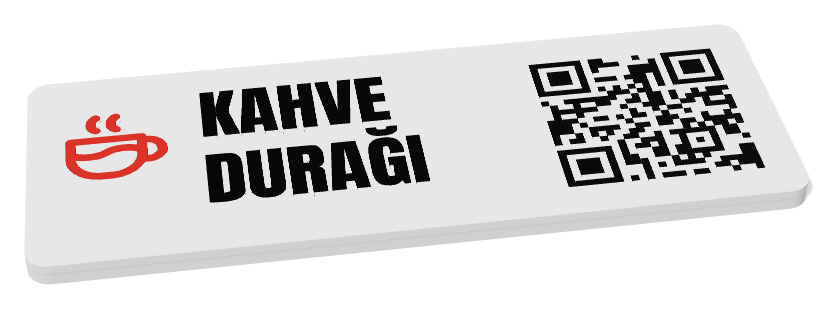
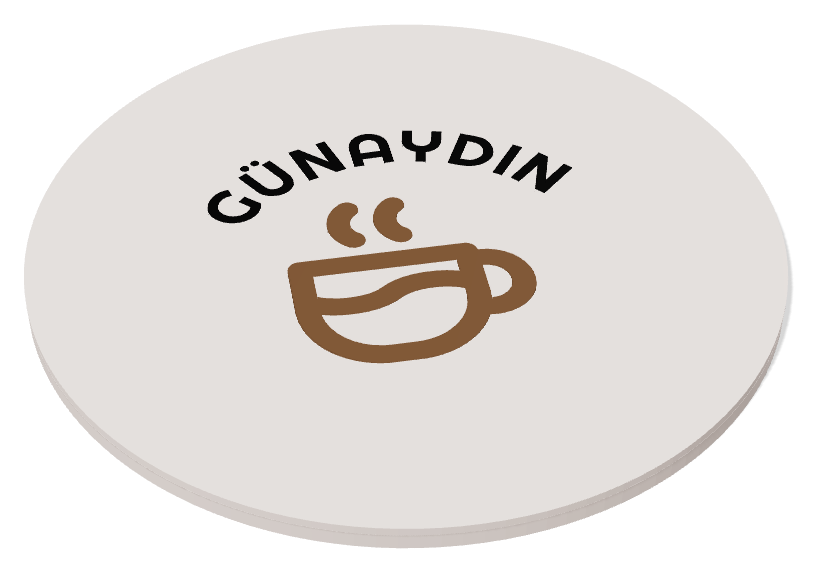
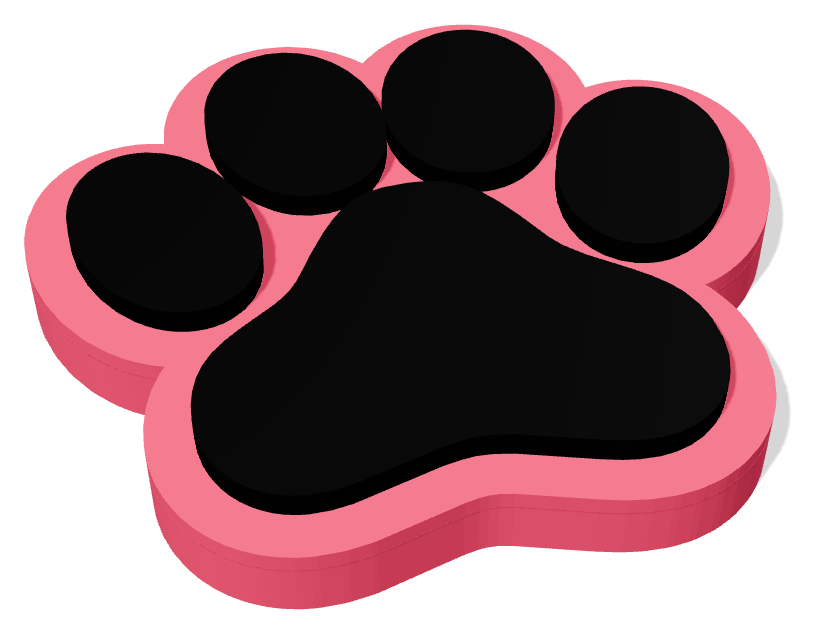

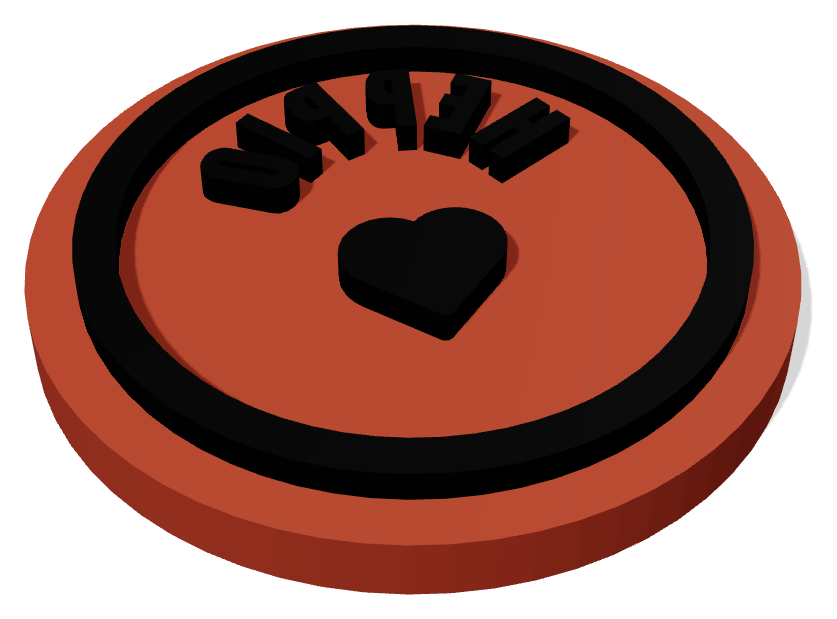


More than 40 printers are listed; for any other, just enter the bed size. The file is made for the slicer you use.
Bambu Studio · OrcaSlicer · Creality Print · ElegooSlicer · Anycubic Slicer Next · QIDI Studio · PrusaSlicer · Cura · Chitubox / Lychee (STL)

Splits a color logo into up to 16 colors; print with AMS, MMU, CFS or layer-by-layer filament changes.

Enter the width in mm and the model comes out exactly that size.

Flags and thickens areas too thin for your nozzle and gaps that would close up.

Menu, Instagram, Wi-Fi… warns you if the modules are too small to scan.

A hidden tag pocket in the body, with the pause layer calculated.

Paste a list and get 50 names laid out on your printer's bed in one file.

Search in English or Turkish: heart, paw, soccer… add with one click.

Turns your photo into a panel that appears when held up to the light.
All of them. Bambu Lab, Prusa, Creality, Elegoo, Anycubic, QIDI, Flashforge, Sovol, Voron, Snapmaker and resin printers are listed; for any other printer you enter the bed size. The file is made for your slicer: 3MF for Bambu Studio / OrcaSlicer and variants, PrusaSlicer and Cura, STL for everything else.
Yes. Print in a single color, or if the colors are stacked in layers, we tell you at which heights to swap filament. The SVG output also works with cutting machines.
PNG, JPG, WEBP, BMP and SVG. Even a blurry logo works; it becomes clean, closed vector paths.
No. Your image is only processed during conversion. Your history keeps only the outputs (SVG and 3D model), and you can delete them at any time.
Yes, the models you make are yours. You need the rights to the logos and images you upload.
Drag the 3MF into your slicer: each color comes in as a separate part with its filament number. If you chose STL, you get one file per color; open them together and merge them.
Free to sign up, no card required.